Syndication
Marketplaces like Amazon have a strict framework for how products are presented on the site. As a seller on these big market places product information needs to be formatted in a specific way so it’s always consistent for the consumer, even if different retailers sells the same product. This was very time consuming to figure out manually, and this is what Syndicate solves with it's built in format rules.

In this example of a product on Amazon, the highlighted field name is "Item model number" This is precisely according to how Amazon wants it to be named. If the seller would try to name it "Model Number" or "ITEM MODEL NUMBER" it would have resulted in an error.
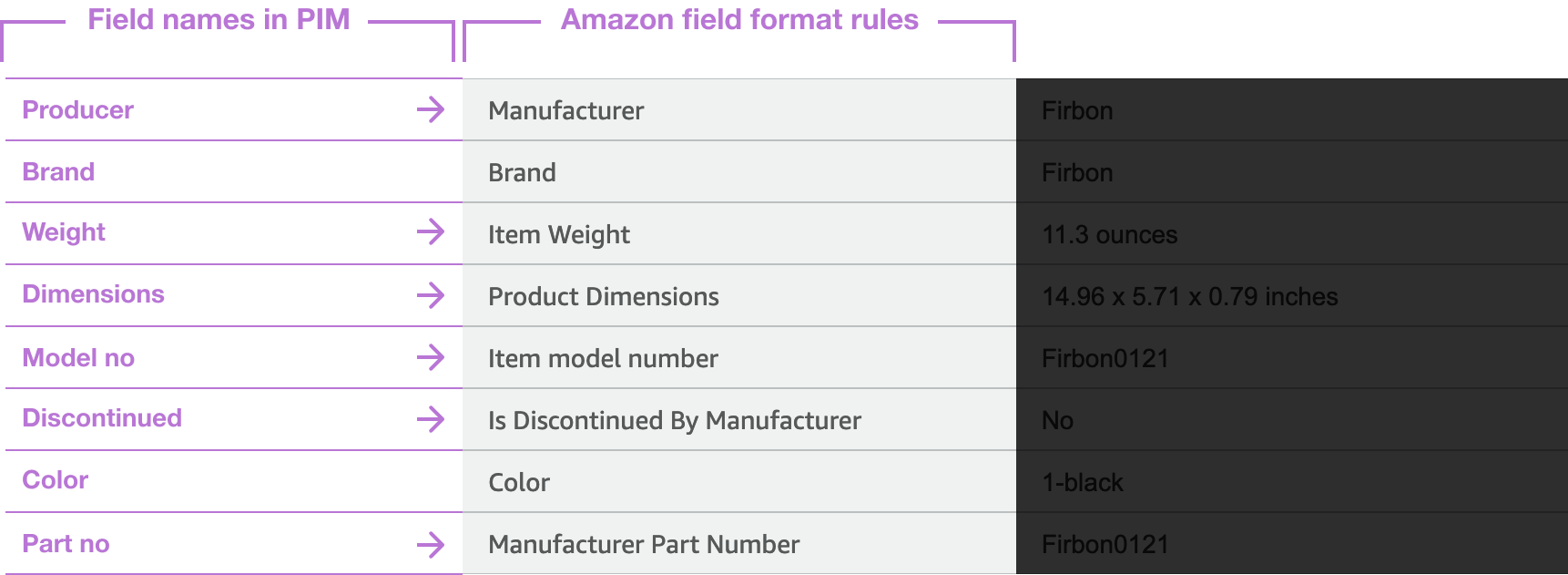
In the above illustration, the user have a field named "Producer" in their system, but Amazon requires it to be renamed to "Manufacturer" according to it's format rules.
Ideation
There was a hole lot of moving part in this to make it work, but I generally break things down in smaller parts and focus on solving the most difficult part first and go from there, which is the actual "mapping" part where the fields gets matched together. But how? Here it's just to get as much ideas out there as possible, and the first thing i could think about was to just put dropdown boxes next to the recieving field name, with all the sellers field names in it and make him or her select the most suitable one to it.
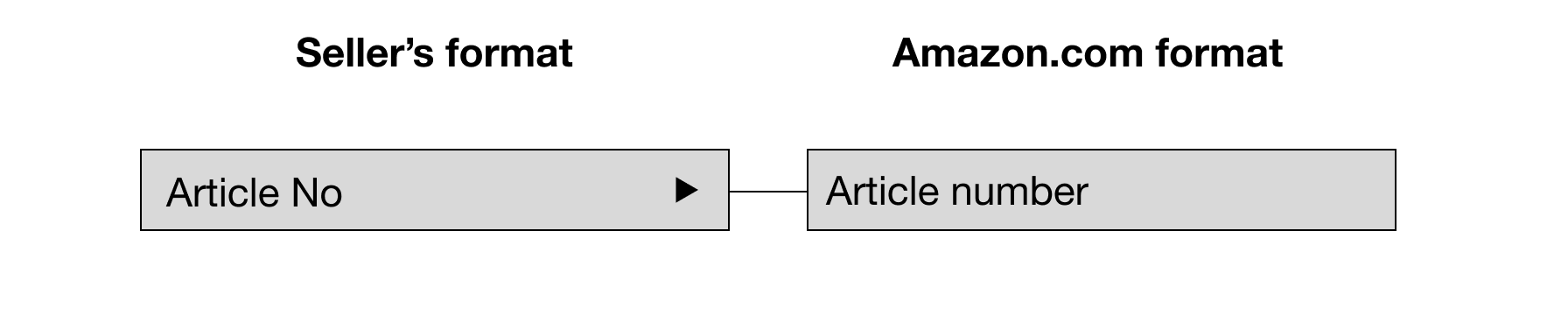
But there was of course more ways to do this that users perhaps could prefer. Could something be better? I suddenly come to think about how DNA spirals are illustrated in the popular science magazines I sometimes read. There's two parts combining together like a piece of puzzle where each end have a matching shape for the other piece to attach to.
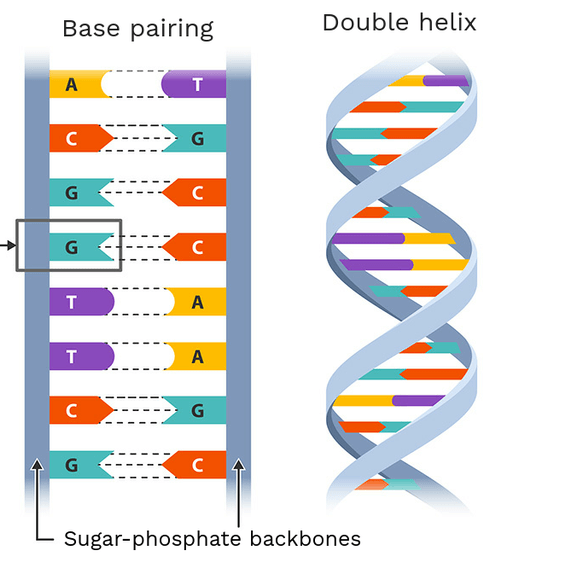
Could this be something?
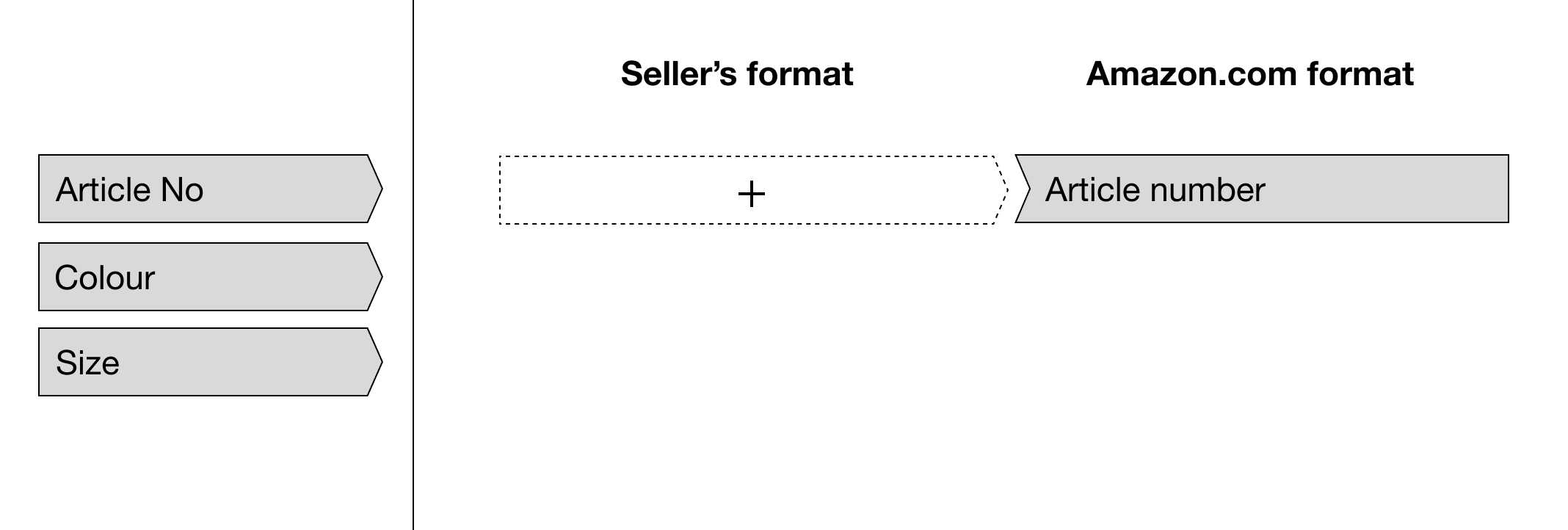
Here I tested a drag and drop UI where the user drags field names from the column to the left into the drop area besides the Amazon field
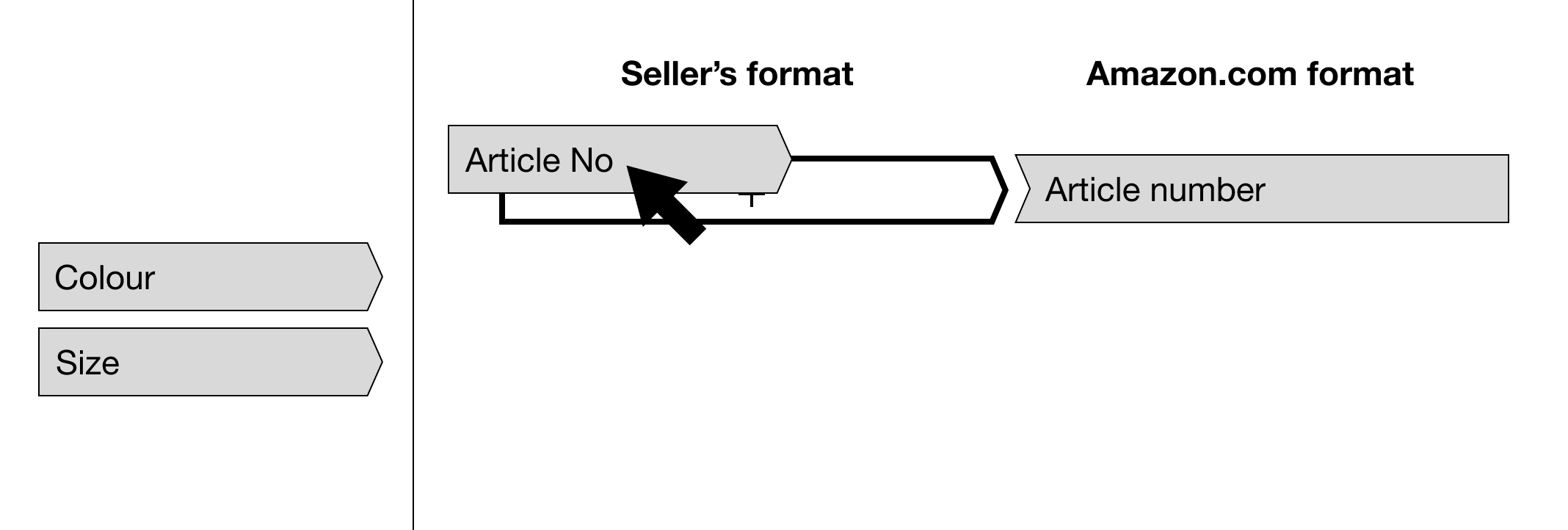
Dragging the field name over to the drop area
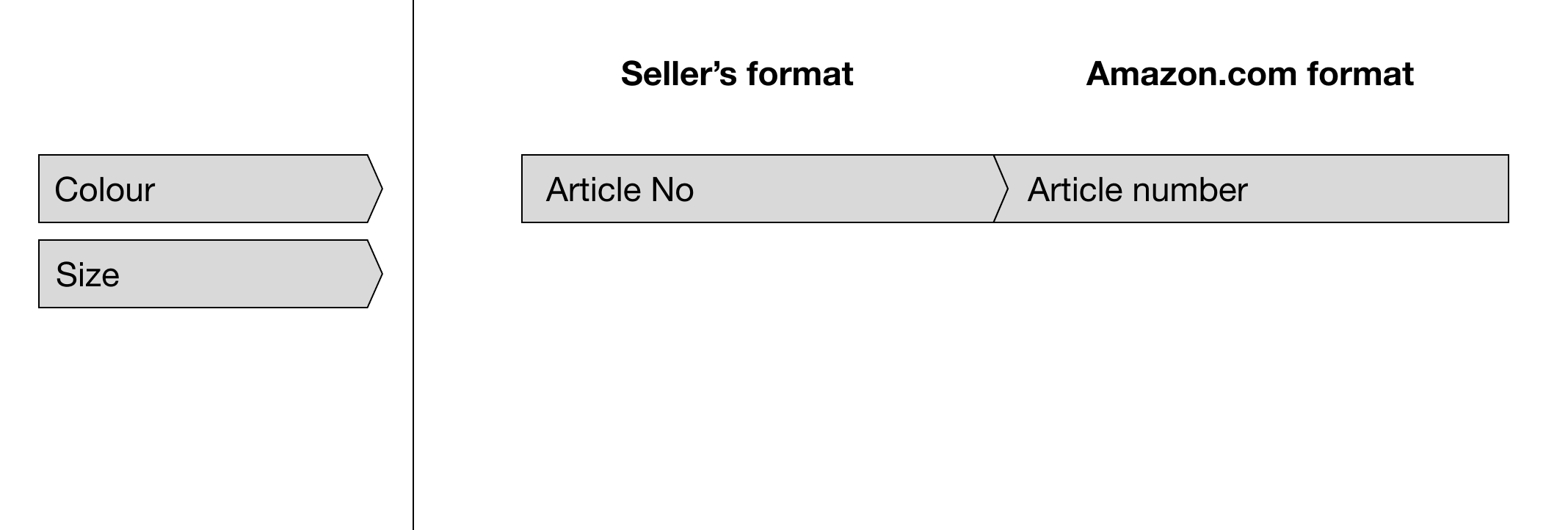
Fields matched successfully into a solid bar
Early A/B testing
I had two ideas that I thought could be working and i could alread do some early testing to validate my findings. I always try to test things as early as possible to stay on cource. I tested the dropdown version and the drag and drop version on a few customers and somewhat suprisingly, most prefered the drag and drop UI. It was percieved as a little easier to understand what to do to match the field names together. With this information i decided to futher build on this idea.
Design strategies and company objectives
Worth noting here is that this project took place in the early beginning at my time at Inriver. We still had the old UI with the red header and the restyling/redesign of all that was only thought of but not near in the near term planning stages at this point. This of course put us in a precarious position. Syndicate was of urgent matter and there was no time to wait until a new design system was in place. I didn't know what the future design language would be like since I hadn't seriously started it yet, so I was more or less stuck with designing for the old design system for now.
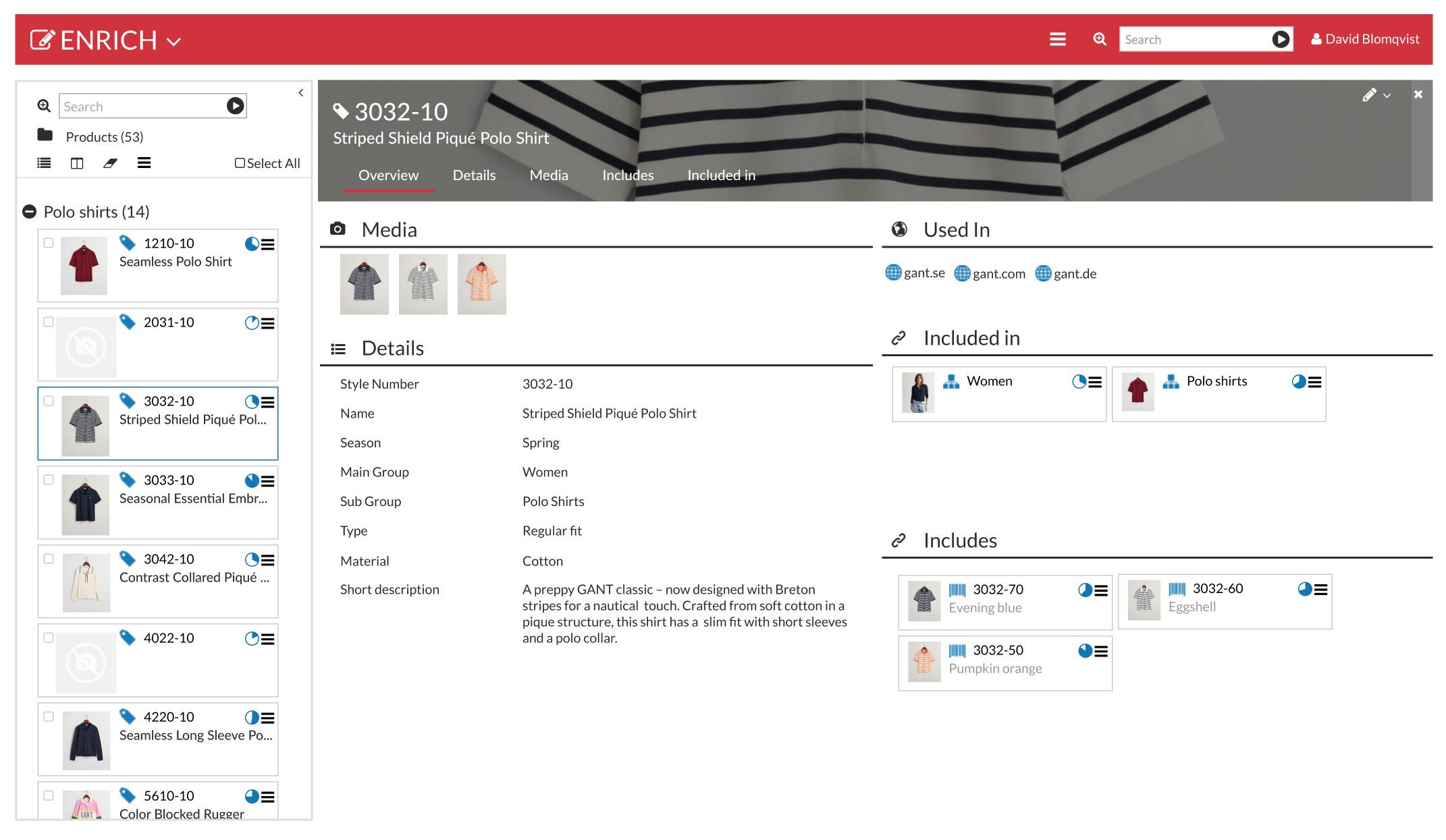
This was the UI we had to work with at the time
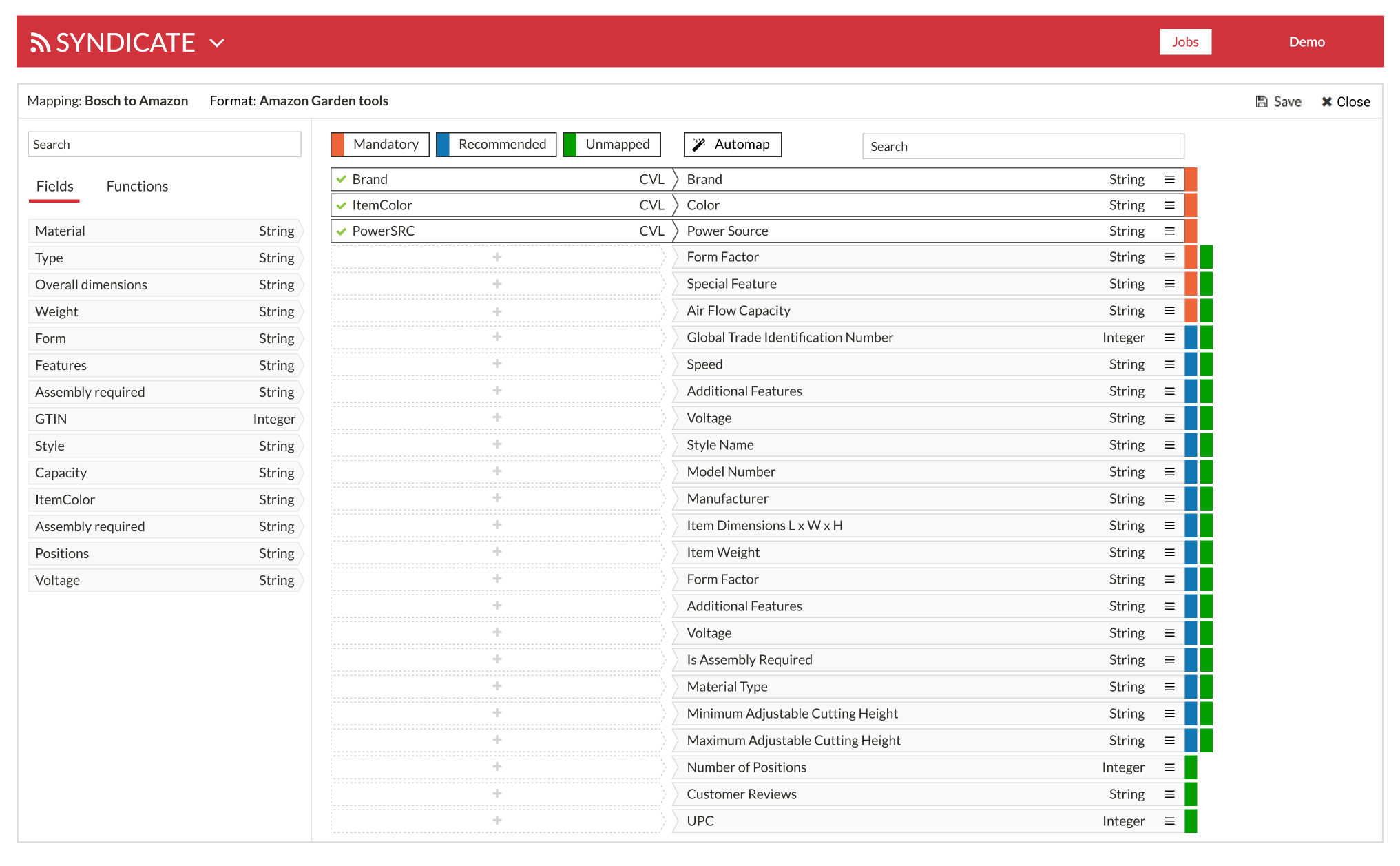
Final design